

How Does Toyota Digital Key Work and How Do You Set It Up in Oregon?
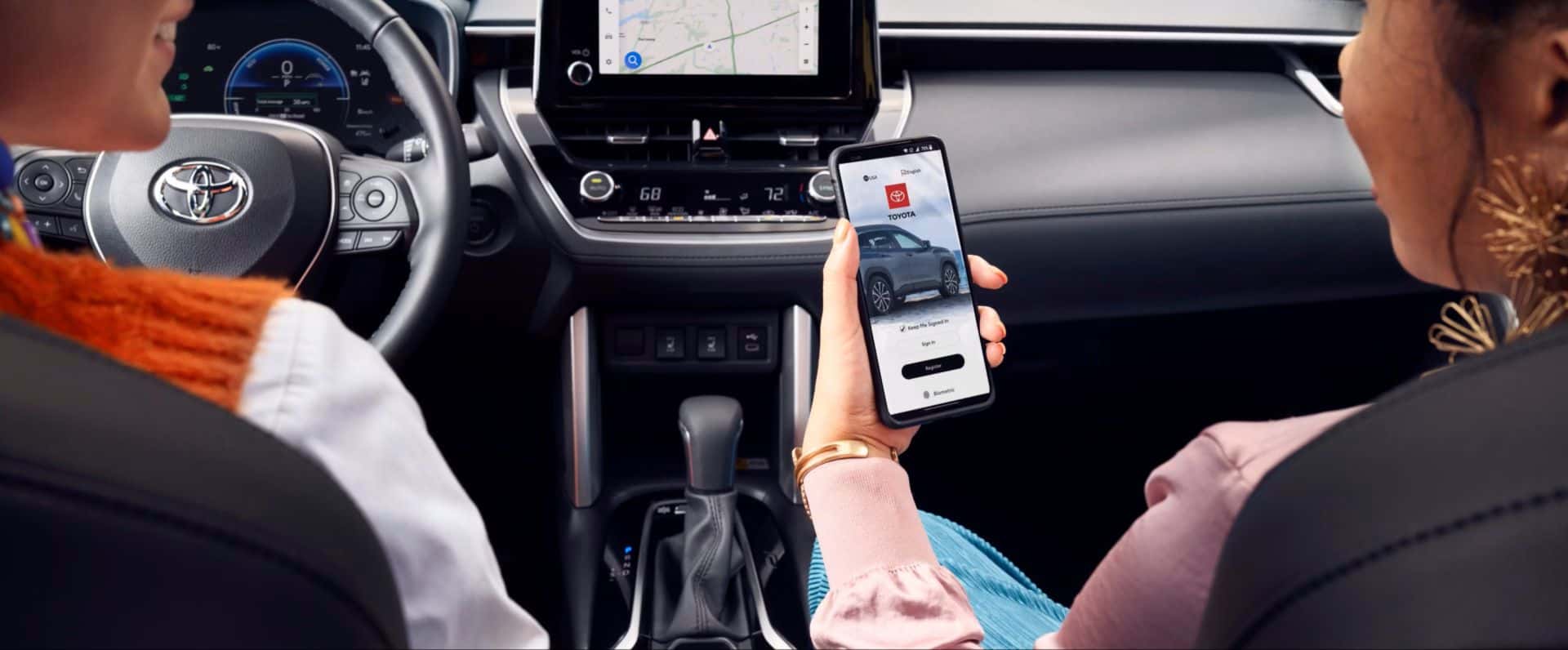
Toyota vehicles are becoming more connected. For many Oregon drivers, that means more ways to use a smartphone for everyday vehicle access.
One feature getting attention is Toyota Digital Key. It lets a compatible smartphone work like a vehicle key on select Toyota models. That means drivers may be able to lock, unlock, and start the vehicle without taking a key fob out of a pocket, bag, or purse.
For drivers around Wilsonville, Portland, Tualatin, Lake Oswego, and Salem, this feature can make daily driving feel simpler. It can also be helpful for families, partners, and shared vehicles.
What’s in this guide?
This article covers:
- what Toyota Digital Key is
- how Toyota Digital Key works
- what is needed before setup
- how to set up Toyota Digital Key
- how to share a Digital Key
- when drivers should still keep a key fob nearby
- how Wilsonville Toyota can help with setup
What is Toyota Digital Key?
Toyota Digital Key is a connected feature that lets a compatible smartphone act like a vehicle key.
When Digital Key is set up, the smartphone can be recognized by the vehicle when it is nearby. With Bluetooth enabled and the Toyota app open or running in the background, the vehicle can connect to the phone and allow key functions such as locking, unlocking, and starting. Toyota also recommends keeping a Smart Key, key fob, or key card as a backup.
In simple terms, Toyota Digital Key can help drivers:
- unlock the vehicle
- lock the vehicle
- start the vehicle
- use the phone instead of reaching for a key fob
- share access with other approved users
How does Toyota Digital Key work?
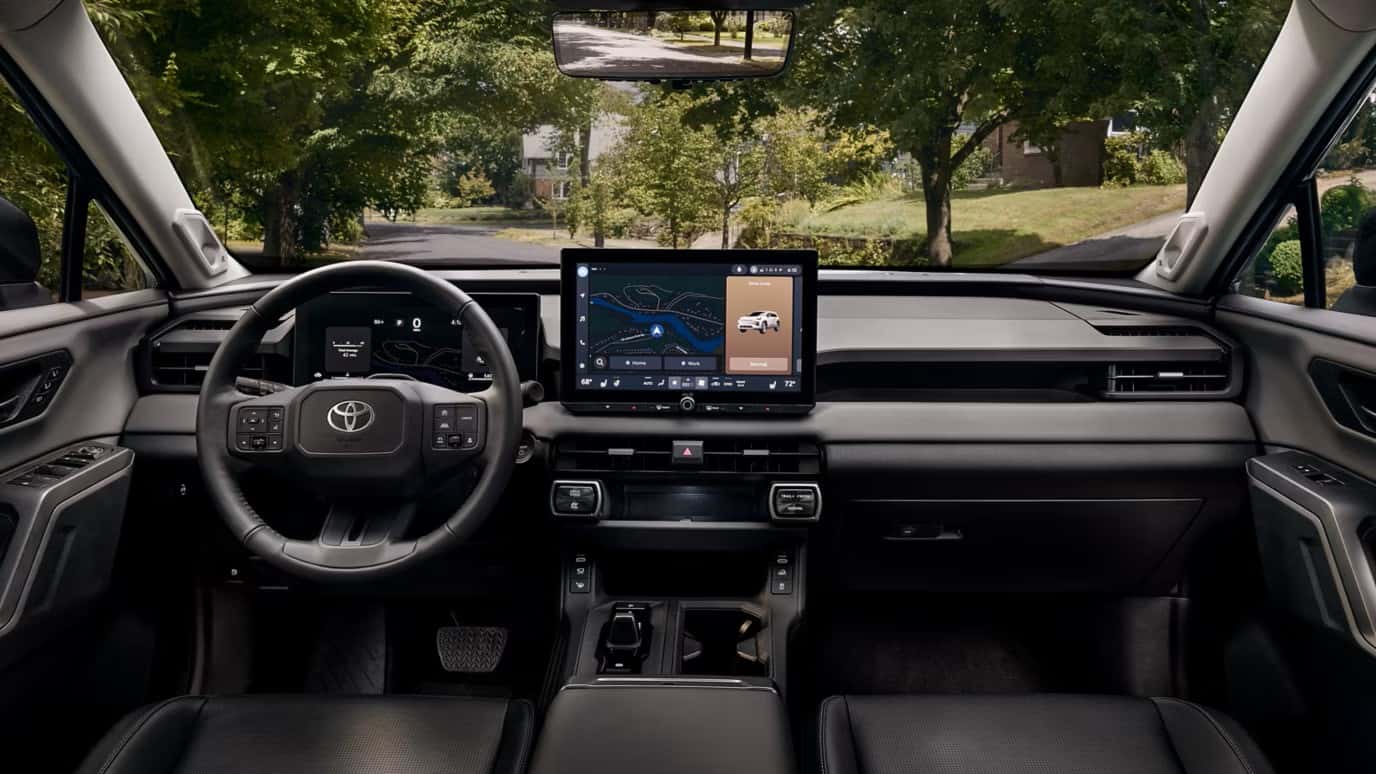
Toyota Digital Key works through the Toyota app and a compatible smartphone.
The basic idea is simple:
- the phone is connected to the vehicle through the Toyota app
- Bluetooth helps the vehicle recognize the phone nearby
- the Toyota app must be open or running in the background
- the vehicle must support Digital Key
- the driver must have an active Remote Connect trial or paid subscription with Digital Key
Toyota notes that Digital Key also depends on connected-service factors such as a working telematics device, cellular connection, GPS signal, and a compatible wireless network. Service may vary by vehicle and region.
Which Toyota models have Digital Key?
Toyota Digital Key is available on select Toyota vehicles. Toyota notes that Digital Key applies to select model year 2022 and newer vehicles. The best way to confirm support is to check the vehicle’s features in the Toyota app or review the Owner’s Manual.
That means availability can depend on:
- model year
- trim level
- connected services package
- active trial or paid subscription
- smartphone compatibility
- region and service availability
For Oregon shoppers, this is an important point. Not every Toyota vehicle will have Digital Key. A Wilsonville Toyota Customer Advocate can help confirm whether a specific vehicle supports it.
What do you need before setting up Toyota Digital Key?
Before using Toyota Digital Key, a few things need to be ready.
Toyota lists several key requirements, including:
- a Toyota app account
- the vehicle’s VIN added to the Toyota app account
- a verified smartphone number in the Toyota app
- an active trial or paid subscription to Remote Connect
- the Toyota app open or running in the background
- a compatible Bluetooth-enabled phone
Toyota also notes that registration and download of the Toyota app are required, and data charges may apply.
How do you set up Toyota Digital Key?
The setup process starts in the Toyota app.
A simple setup overview looks like this:
- Download the Toyota app
- Create or sign in to a Toyota app account
- Add the vehicle to the app using the VIN
- Confirm that Remote Connect with Digital Key is active
- Follow the Digital Key setup steps in the Toyota app
- Keep the key fob and vehicle nearby during setup
- Test lock, unlock, and start functions after setup
Toyota’s setup guidance says drivers should have the key fob and access to the vehicle when starting the Digital Key setup. Toyota also says to test unlock, start, and lock functions after setup to confirm everything worked.
Can Toyota Digital Key be shared with someone else?
Yes. Toyota Digital Key can be shared through the Toyota app.
Toyota says up to 7 Digital Keys can be shared using the Toyota app. This can be useful for a partner, spouse, family member, or another trusted driver.
A shared Digital Key invite can be sent by SMS. The invited person can open the link, accept the Digital Key invitation in the Toyota app, verify their smartphone, download the Digital Key, and connect near the vehicle with Bluetooth turned on.
This can be helpful for:
- households with more than one driver
- families sharing one vehicle
- partners who need occasional access
- approved drivers who need temporary access
Toyota also recommends not sharing Toyota app account credentials. If another driver needs access, the better path is to share access through the app instead of sharing a password.
Why would Oregon drivers use Toyota Digital Key?
Toyota Digital Key can make daily driving more convenient.
For Wilsonville-area drivers, it may help in situations like:
- commuting between Wilsonville and Portland
- running errands around town
- getting into the vehicle with groceries or bags in hand
- sharing access with a spouse or family member
- heading to a trail, park, or gym with fewer items to carry
- using a phone for more daily tasks instead of carrying extra keys
It is especially useful for drivers who already rely on their phone for navigation, payments, smart home access, and everyday planning.
Should drivers still carry a key fob?
Yes, keeping a backup is smart.
Toyota recommends having the Smart Key, key fob, or key card as a backup for vehicle access. Digital Key can depend on phone battery, Bluetooth, app status, cellular connection, GPS signal, and connected services availability.
A backup key can help if:
- the phone battery dies
- Bluetooth is turned off
- the app is not working
- the phone is lost or damaged
- service is limited
- the vehicle or phone needs troubleshooting
Digital Key is convenient, but it should not be the only access plan.
What problems can stop Toyota Digital Key from working?
Toyota Digital Key depends on several connected systems. It may not work as expected if one of those systems is unavailable.
Possible issues include:
- phone Bluetooth turned off
- Toyota app not open or running in the background
- no active Remote Connect with Digital Key subscription
- phone number not verified in the Toyota app
- vehicle not added to the Toyota app account
- weak cellular or GPS signal
- incompatible phone or software issue
- service availability limits by vehicle or region
- Toyota notes that Remote Connect with Digital Key depends on factors outside Toyota’s control, including cellular connection, GPS signal, and compatible wireless network availability.
What questions should Toyota owners ask before using Digital Key?
Before using Toyota Digital Key, drivers should ask:
- Does this Toyota model support Digital Key?
- Is Remote Connect with Digital Key active?
- Is the Toyota app installed and updated?
- Is the vehicle added to the Toyota app account?
- Is the phone number verified?
- Is Bluetooth turned on?
- Has the setup been tested?
- Is there a key fob or key card as a backup?
These questions can help avoid frustration and make the feature easier to use.
Can Wilsonville Toyota help with Toyota Digital Key setup?
Yes. Wilsonville Toyota can help local drivers understand whether their Toyota supports Digital Key and how to get started.
A Customer Advocate can help with:
- checking model compatibility
- reviewing Toyota app setup
- confirming connected services status
- walking through basic Digital Key steps
- explaining key sharing
- answering questions about daily use
This can be helpful for shoppers looking at a new Toyota and current owners who want to use more of their vehicle’s connected technology.
What should Oregon drivers do next?
Toyota Digital Key can be a useful feature for drivers who want more convenience from their vehicle. It can help reduce the need to carry a physical key in some situations, make shared access easier, and connect everyday driving more closely with the Toyota app.
A good next step is to confirm whether the vehicle supports Digital Key, make sure the Toyota app and Remote Connect are ready, and ask Wilsonville Toyota for a quick walkthrough if setup feels confusing.
FAQ: Toyota Digital Key in Oregon
What is Toyota Digital Key?
Toyota Digital Key lets a compatible smartphone work like a vehicle key on select Toyota models. With the Toyota app running and Bluetooth enabled, the phone can help lock, unlock, and start the vehicle when nearby.
Do you need the Toyota app for Digital Key?
Yes. Toyota says registration and download of the Toyota app are required. The vehicle also needs to be added to the Toyota app account.
Does Toyota Digital Key require a subscription?
Yes. Toyota Digital Key requires an active trial or paid subscription to Toyota Remote Connect with Digital Key.
Can Toyota Digital Key be shared?
Yes. Toyota says up to 7 Digital Keys can be shared using the Toyota app.
Should drivers keep a physical key fob?
Yes. Toyota recommends keeping the Smart Key, key fob, or key card as a backup for vehicle access.
Where can Oregon drivers get help setting up Toyota Digital Key?
Drivers near Wilsonville can speak with Wilsonville Toyota for help checking compatibility, reviewing the Toyota app, and walking through Digital Key setup.
Sources
- Toyota Support, What is Digital Key?
- Toyota Support, How do I get a Digital Key?
- Toyota Support, How do I setup my Digital Key?
- Toyota Support, What conditions are needed prior to using my Digital Key?
- Toyota Support, Can I share my Digital Key?
- Toyota Support, How do I accept the Digital Key invite?
- Toyota Support, Can I share my Toyota app credentials with another person?
- Image
- Image
- Image
0 comment(s) so far on How Does Toyota Digital Key Work and How Do You Set It Up in Oregon?